

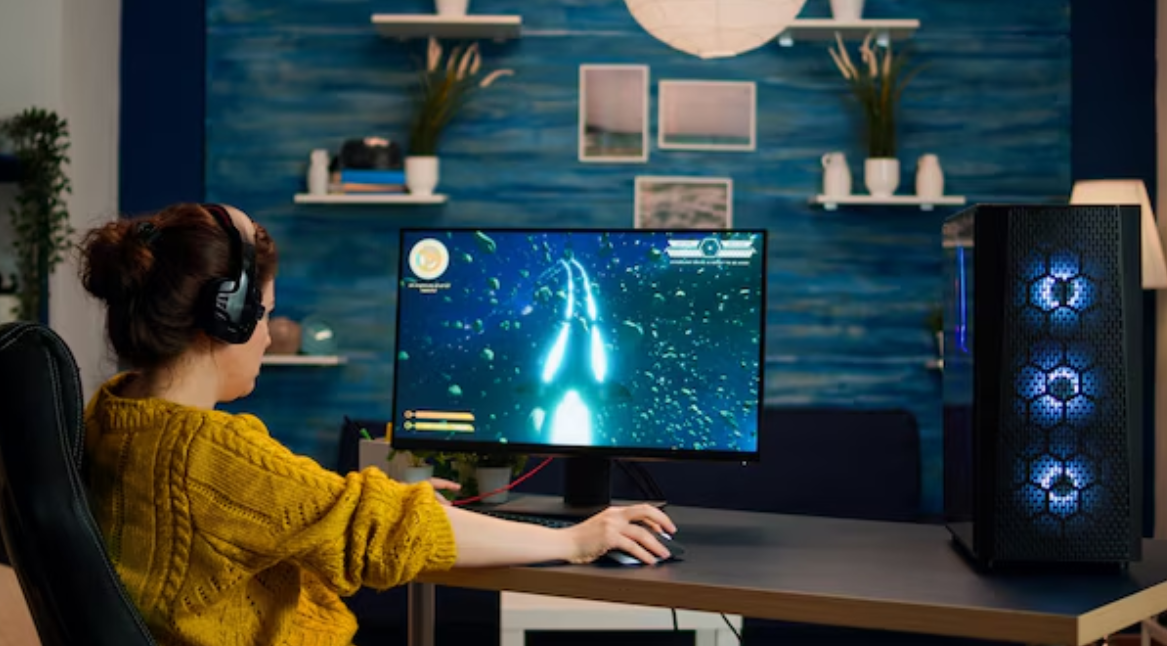
While it can be easier to build your own gaming PC, there are pros and cons to a pre-built system. Processors, graphics cards, memory, storage, cooling system, and power supply are all added in their own combination by each manufacturer, and a specious, shiny hardware doesn’t always equate to an improved gaming experience.
Knowing the most important factors can assist buyers in allocating their budget efficiently. Rather than looking at one of the impressive numbers, consider the entire system as a whole and whether or not it corresponds to the games and resolutions you will be playing.
Start With the Graphics Card
Most of the gaming-oriented systems pay attention to the graphics card. The GPU plays a significant role in determining the frame rates, image quality, and the amount of resolution that can be comfortably played at in a game.
When looking at a prebuilt gaming PC, keep in mind the specific graphics card and not just its memory size. Selecting the right GPU for your display will mean that you don’t waste any money on it, and that you get the performance you need.
Choose a Suitable Processor
The CPU is used in conjunction with the graphics card to ensure smooth gameplay. For many gaming systems, a mid-range processor will be more than adequate. If you invest in a high-end CPU but buy an entry-level graphics card, it may be an unbalanced setup.
Certain titles, especially those that require a high frame rate, can require more from the processor, and many games that use a lot of graphics will be more dependent on the GPU. The best CPU is going to be influenced by the other components in the system and what you’re planning on doing with it.
Check RAM Capacity and Configuration
Memory influences the ease with which your system runs games and other programs. This is a good amount of RAM for most gamers’ computers, and it also works for those who stream, edit content, multitask a lot, or have demanding applications.
Look at the memory configuration and if there is space left on the motherboard for future expansion. If needs change, it may be easier to make a system more accessible as time goes on.
Look Beyond Storage Capacity
Storage impacts performance, installation space, and responsiveness during use. When building a modern gaming PC, it’s best to use an SSD over a mechanical hard drive as it offers quicker system and game loading times.
Very small SSDs can quickly be cumbersome when playing modern games. When evaluating a prebuilt gaming PC, think about how it operates with the drive type and capacity, and if more storage can be added at a later stage.
Final Thoughts
It is easier to choose a prebuilt gaming PC when you know the parts that are essential and how they are connected. The first one is the graphics card, then the processor, the RAM, the storage, the power supply, and the cooling.
Last but not least, check the full setup and plan for upgrades. The highest-priced single component does not necessarily mean the best system. It’s the one that strikes a balance between your games, monitor, budget, and future plans.
